

Imaris License Selection
Last modified by Mika Molin on 2025/05/06 16:28
Upon starting Imaris you will see the following screen:
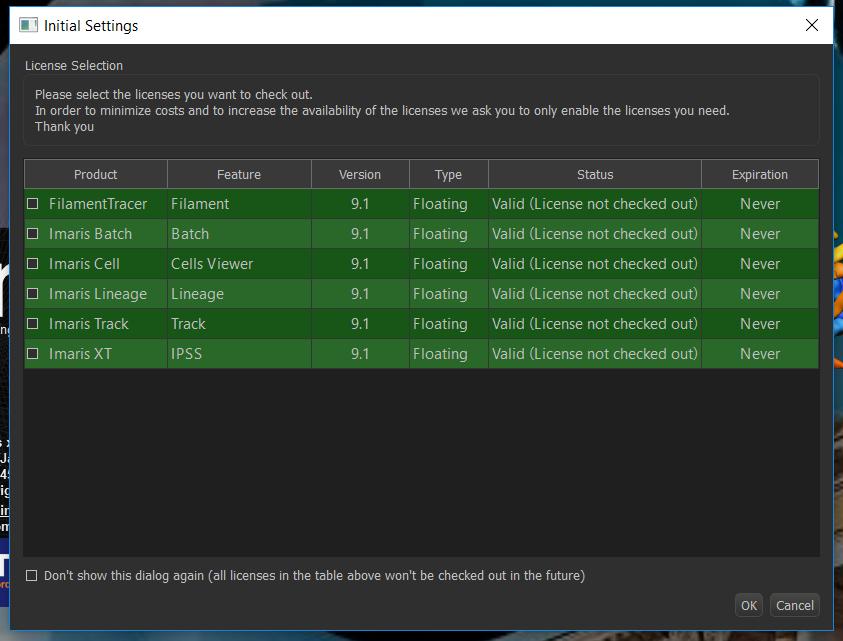
Just clicking OK will start Imaris with basic features like 3D rendering and co-localization analysis.
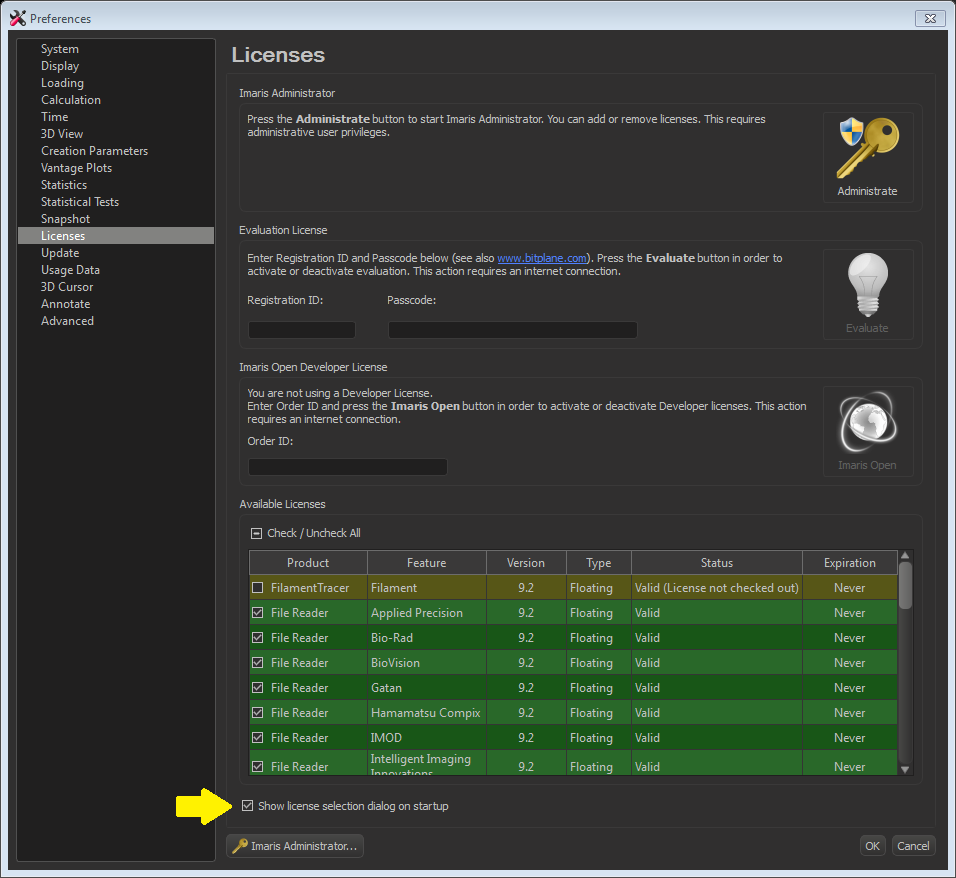
If you have sometimes clicked the bottom tick mark, you don't see the selection window in the future.To see it again you have to change the setting at File/Preferences/Licenses.
Imaris HomeSchool webinars for additional modules:
Batch processing How to make your Image Analysis Workflows more Efficient?
Cell Lineage Tracker
ImarisXT connection to MatLab and FiJi for extra image analysis features
- Tools tab on object (spots, surfaces, cells or filaments) properties. Also in Image Processing Menu.